1 · timetable
A week you actually teach to.
Drop in your school timetable, drag a lesson, swap in a CRT day. The grid you'd draw on the whiteboard — except it remembers, recurs and prints.
made for one teacher first
Plans, timetables, seating, CRT handover and report comments — finally connected. Built around how May actually teaches; ready for the rest of your staffroom.
No credit card
Your students stay private
Built in Melbourne

Placeholder portrait of
May Ou
Year 3, Melbourne
the teacher who sparked it
May Ou is a primary teacher in Melbourne. Every Sunday night she rebuilt her week across four spreadsheets, a Word doc, last term’s CRT folder and a paper diary — losing seating notes and lesson plans somewhere in the middle.
may teachesis what we built so she didn’t have to. It started in her kitchen, it gets shaped by how she actually teaches, and it’s now open for your week too.
I just wanted one place where my week actually lives — the lesson, the seating, the CRT note, all in the same spot I look at on Monday morning.
— May Ou, primary teacher
the loop
Most teaching software solves one square of the week. may teaches joins them up — so the lesson you wrote on Sunday is the one your CRT teaches on Friday and the one you grade in November.
1 · timetable
Drop in your school timetable, drag a lesson, swap in a CRT day. The grid you'd draw on the whiteboard — except it remembers, recurs and prints.
2 · lesson plans
Rich block-editor lessons tagged by strand and outcome. Clone last year's, adapt for this class, hand off cleanly — no copy-pasting from old Word docs.
3 · handover & reports
Printable CRT day plans with seating, tech swaps and the privacy you choose. End of term, the same place writes your report comments.
one week, one screen
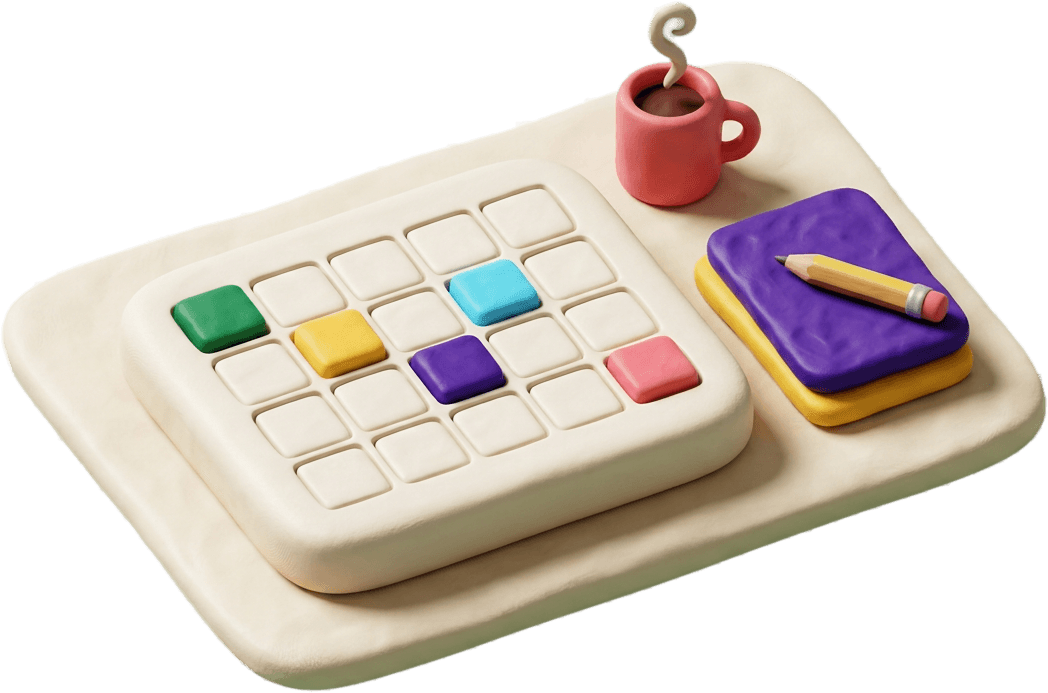
Every lesson, event and break sits on one warm clay grid. Tap a card to edit a plan, drop a CRT swap into place, peek at next week without losing your spot.

One workspace that learns your week. Free for May. Free for the next teacher. Your students stay private — your plans stay yours.